



Ever wondered why nearby patients still can’t find your pharmacy or clinic on Google?
Most pharmacies and clinics struggle because their Google Business Profile (formerly Google My Business, GMB) is either missing, incomplete, or full of outdated information. That makes it difficult for people nearby to find, trust, or choose them when they need care.
A strong, well-optimised GBP fixes this. It shows the correct address, hours, phone number, real photos, and recent reviews. That builds trust and makes it easier for patients to choose you over others.
GBP is more important than ever. In the UK, people made nearly 50 million health-related Google searches in 12 months.
In this guide, you’ll learn exactly how to fix your GBP step-by-step, attract more patients, and make your clinic or pharmacy look trustworthy and professional.
What Is Google Business Profile?
Google Business Profile is a free tool that helps people find your pharmacy or clinic on Google Search and Google Maps. It shows key details like your address, hours, phone number, and reviews so patients can trust your place and visit with confidence. It works as your online shop window and helps Google understand who you are and who you serve.
Why Is GBP Optimisation So Important for Your Pharmacy or Clinic?
Your pharmacy’s Google Business Profile is often the first place patients look when they need fast care. If your pharmacy’s details are wrong or incomplete, people lose trust and choose another provider.
A strong profile stops this by showing clear, correct, and helpful information right when they need it most.
Google also uses your profile to judge relevance and trust. Better data helps your pharmacy rank higher in local searches and on Maps when someone nearby searches for medicines or treatment. This means more calls, more visits, and more real patients walking through your door.
How Can You Set Up Your Pharmacy’s GBP the Right Way?
Setting up your Google Business Profile is simple, but many clinics and pharmacies get it wrong. A single mistake can stop patients from finding you. Follow these 7 simple steps to ensure your business appears correctly in local searches across London.
Step 1: Claim or Create Your GBP
- Search your pharmacy or clinic name on Google or Google Maps to see if your profile already exists.
- If it does, click “Claim this business” to take control.
- If it does not appear, open the Google Business Profile Manager and click “Start Now” to create a new one.
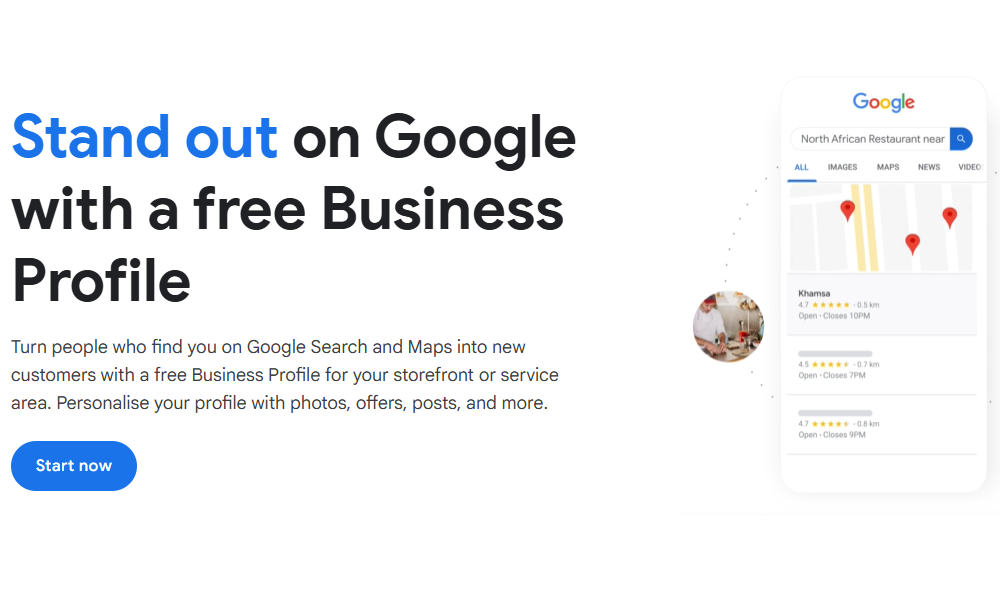
Step 2: Add Your Pharmacy or Clinic Details in Just 5 Steps
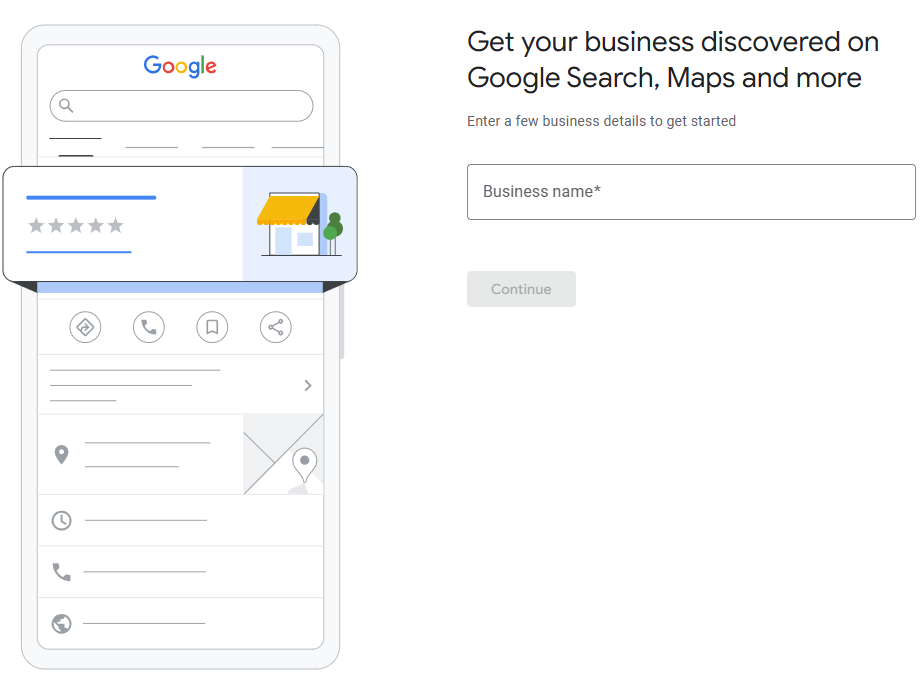
1. Enter your pharmacy or clinic name so Google can identify you precisely.
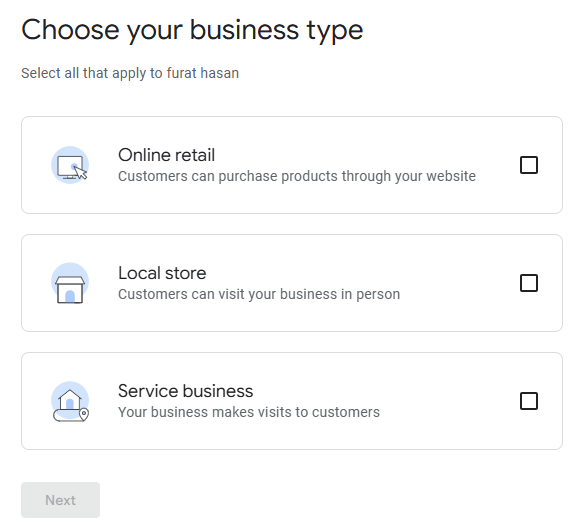
2. Choose your business type so patients understand what you offer.
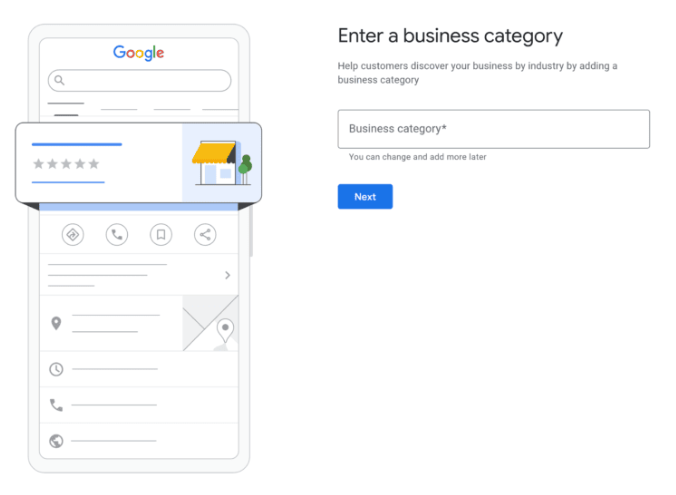
3. Add your business category. If you run a local store, e.g., a pharmacy or service business, select the correct category.
If you run an online store, add your website link instead.
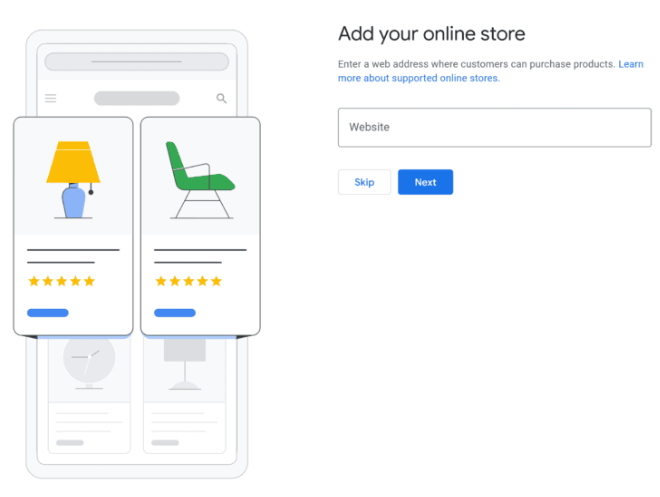
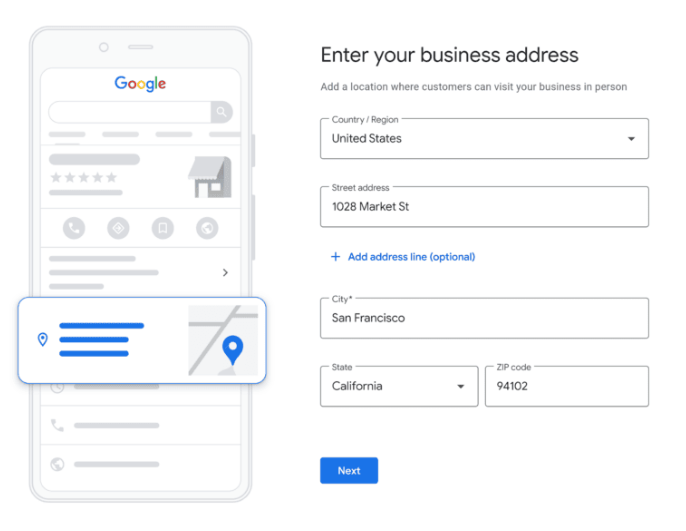
4. If you chose a local store or retail, add your business address. If you do not have a public address, enter your service area instead.
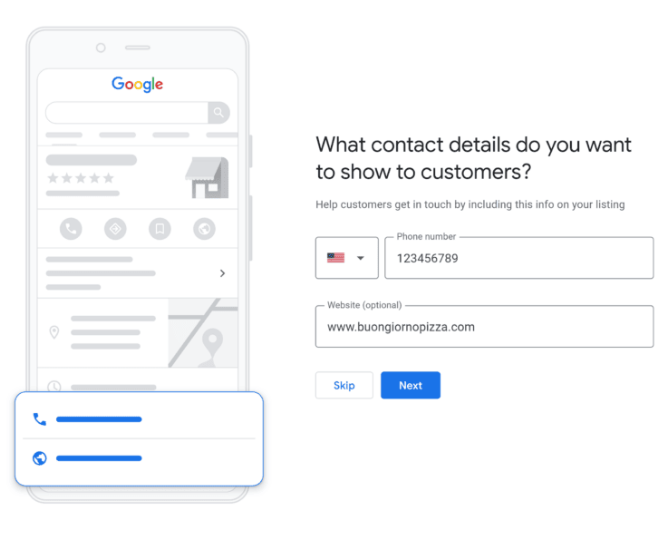
5. Add your phone number and website so people can contact you without delay.
Step 3: Verify Your Pharmacy or Clinic
Google needs to check that your business is real and safe for users.
You can verify by phone, text, email, live video call, video upload, or a postcard sent to your address.
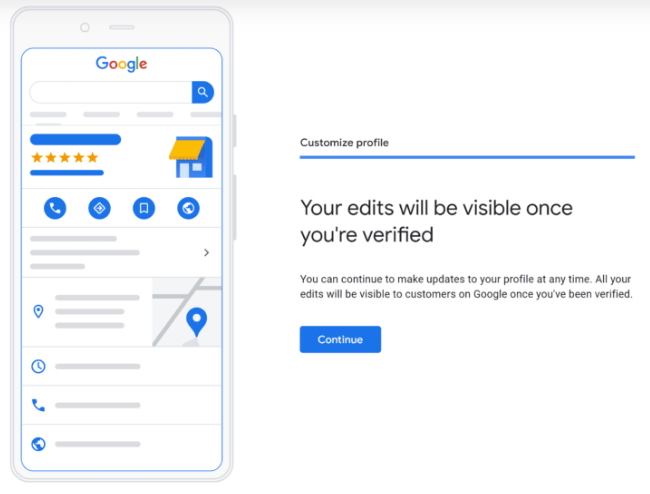
Verification is essential for editing your profile, replying to reviews, and unlocking insights. Clinics located inside a larger building should describe the exact location, such as Level 2, Room 1 or 2, so patients can find them easily.
Once verified, your details will appear on Google Search and Maps for everyone to see.
Step 4: Ensure Your Core Details Are Accurate
Business Name
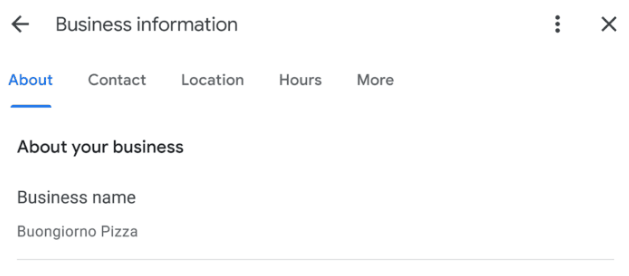
Use your legal or signage name without keywords added. Google’s policies warn against stuffing the name with extra words. This can reduce ranking and trust.
Correct: Buongiorno Pizza
Incorrect: Buongiorno Pizza: Best Pizza in London
Address
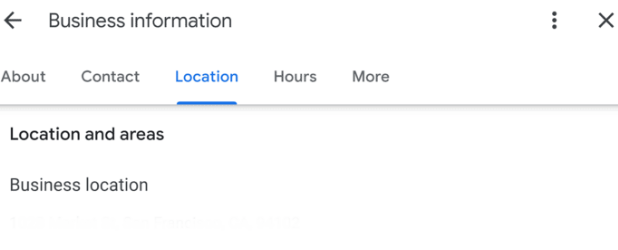
Enter the correct and complete address. If you have disabled access, provide a short note about ramp availability or lift access. This helps patients with mobility needs.
Phone Number
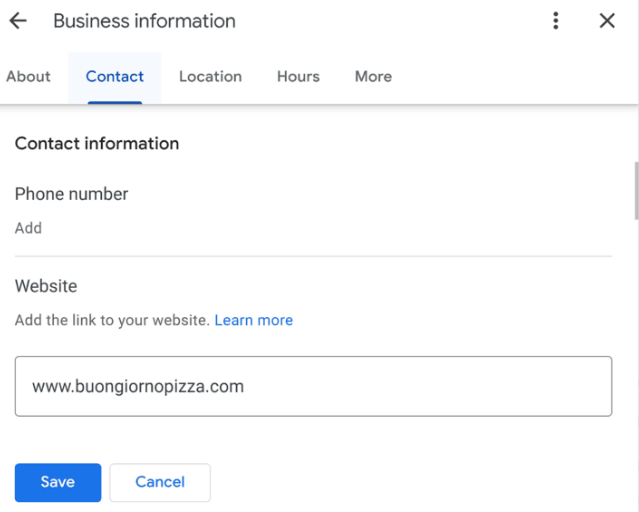
Use a local number that reaches your staff directly. When users click to call, they expect to speak to someone who can answer questions about stock and services.
Opening Hours
Healthcare providers must keep their hours up to date. Incorrect hours are the most common reason patients switch providers. Update hours on holidays and weekends so patients do not waste a journey.
Write a Clear and Helpful Business Description
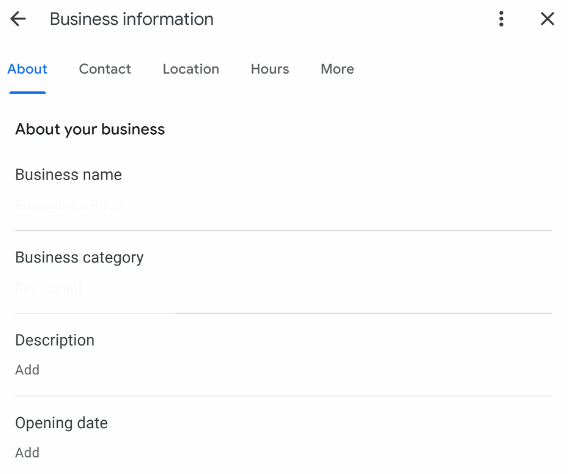
A good description explains who you are, what you offer, and why patients should trust you. It should include:
- Core services
- Professional strengths
- Safety or quality measures taken
- Patient-friendly language
Example:
“Swinton Pharmacy provides prescription dispensing, over-the-counter medicines, vaccinations, blood pressure checks, and private consultations. Our trained pharmacists focus on safe, fast, and reliable service for every patient.”
This level of clarity helps Google understand your business and helps patients know what to expect.
Step 5: Add High Quality Photos
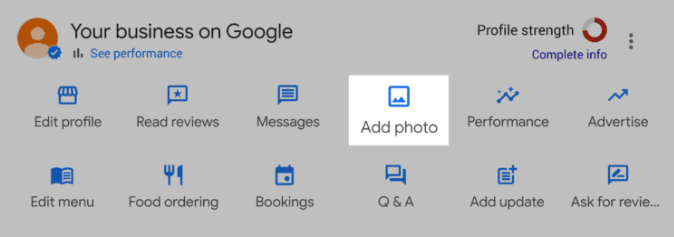
Research shows that listings with real photos receive more clicks and map views. Photos help people trust the environment, especially in healthcare.
Recommended photos for pharmacies:
- Exterior of the shop
- Interior shelves and counters
- Consultation area
- Pharmacist at work (without showing patient details)
Recommended photos for clinics:
- Reception and waiting area
- Treatment rooms
- Medical equipment
- Staff members (with consent)
- Use bright, natural lighting and keep surroundings tidy. Avoid stock images.
Step 6: Show Your Products and Services Clearly
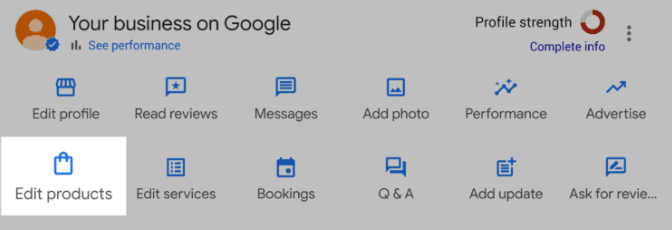
Pharmacies and clinics can use Google to display clear lists of products and services. This helps patients see what you offer before they visit, saving time and building trust.
For pharmacies: pain relief, cold and flu medicines, vitamins and supplements, baby care, and first aid supplies.
For clinics: general check-ups, vaccinations, health screenings, chronic care support, and minor procedures.
Add clear descriptions and prices where possible. This answers questions upfront, reduces calls, and helps patients choose your services with confidence.
Step 7: Manage Reviews with Care
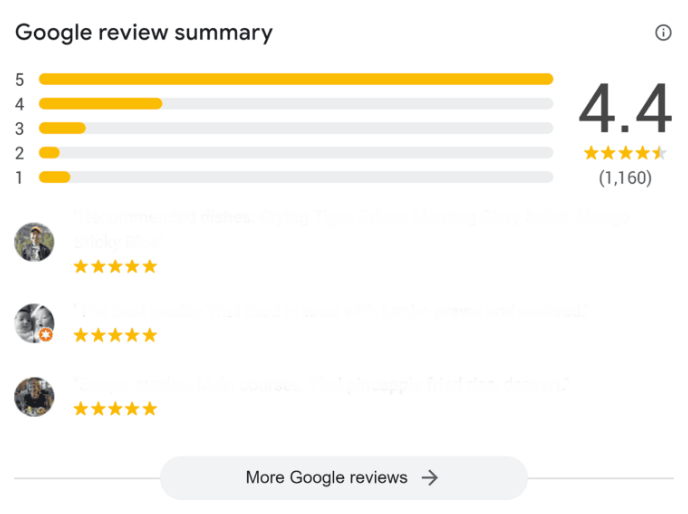
Reviews influence where patients choose to go. Healthcare reviews often mention staff attitude, waiting time, clarity of explanation, and cleanliness.
How to Encourage Reviews
Many pharmacies and clinics lose new patients because their online reviews are sparse. Make it easy for patients to leave feedback. Place a QR code at the counter. Send a short follow-up message after visits. Ask politely at the end of appointments. Every review builds trust and brings more local patients through your door.
How to Reply to Reviews
Responding to reviews shows that your clinic or pharmacy cares. It helps future patients feel confident in choosing you.
For negative feedback: acknowledge the concern, apologise when needed, and invite the patient to discuss privately. Never mention protected health information.
For example:
“Thank you for your feedback. We are sorry you experienced this. Please get in touch with our team so we can help you directly.”
A thoughtful, respectful reply can repair trust, protect your reputation, and turn unhappy patients into loyal ones.
How Can You Effectively Use GBP Posts to Rank Higher?
Many pharmacies and clinics miss out on local patients because their Google profile looks inactive. Posting regularly proves your business is real, open, and ready to serve the community. Active profiles rank higher and attract more footfall.
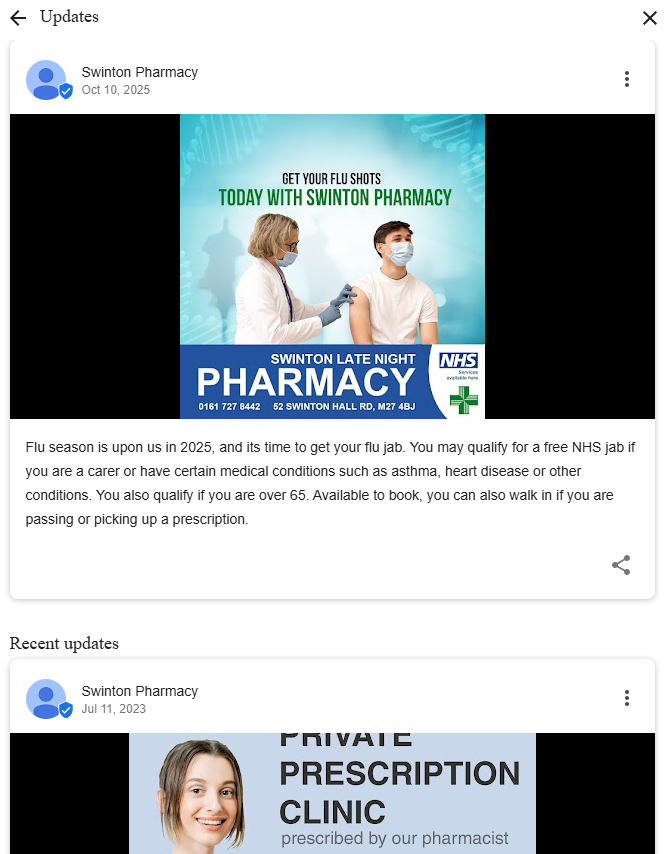
Use GBP posts to share updates that patients actually care about. Announce flu jab availability, new pharmacists or doctors, holiday hours, or urgent service changes. Keep messages short, clear, and full of local keywords so nearby patients can find you fast. Add photos of your team, store, or treatment rooms to build trust.
Include a strong call to action such as “Book Now,” “Order Online,” or “Call Today.” Post at least once a week to stay visible. Consistent, relevant updates turn Google searches into real bookings and loyal patients.
How to Use the Q&A Section Responsibly
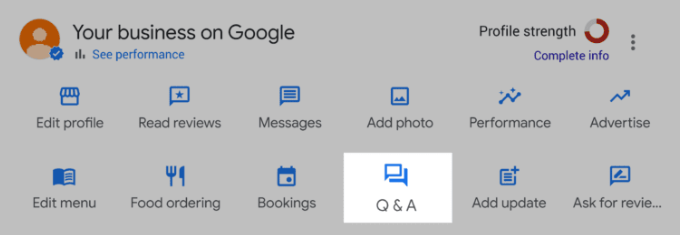
People often ask common questions such as:
- Do you accept NHS prescriptions?
- Do you provide private vaccinations?
- Do you stock specific medicines?
- Do you offer walk-in appointments?
Add clear and accurate answers ahead of time. This makes it easy for patients to get the information they need and avoids confusion.
How Can You Use GBP Performance to Improve Your SEO Strategy?
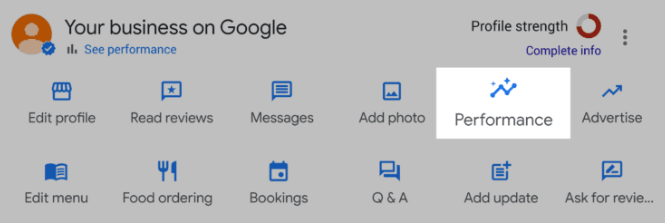
Google Business Profile (GBP) Performance shows what is really happening with your listing. It reveals how patients find you, what they click on, and what makes them take action. For small pharmacies and clinics, it is one of the easiest ways to check if your pharmacy SEO is working.
1. Study Search Terms
Look at which keywords patients use before clicking your profile. If terms like “travel vaccination London” or “best pharmacy near me” appear often, that is your audience speaking. Add these exact words to your posts, services, and website content so patients can find you faster.
2. Track Profile Views
Views show how visible your business is in local searches. A drop in views can mean your ranking has fallen or that competitors are overtaking you. Keep your profile active with regular updates, new photos, and fresh reviews to stay visible.
3. Analyse Customer Actions
Calls, messages, and direction requests show genuine interest. If these are low, your profile may not give patients enough reason to act. Use clear calls to action such as “Call now for a consultation” or “Get directions today” to encourage engagement.
4. Compare Photo Performance
Photos attract clicks and build trust. If your images get fewer views than competitors’, upload new ones that showcase your team, store, or services. Bright, high-quality pictures make your business appear reliable and professional.
Do not just collect data. Use it to improve your healthcare SEO. If many patients find you through “drug store”, include that phrase in your posts and descriptions. Review your GBP Performance each month. Notice patterns, focus on what works, and correct what does not.
What Mistakes Should You Avoid When Optimising Your Google Business Profile?
Even small errors can stop local patients from finding your pharmacy or clinic. To get the best results, avoid these common mistakes:
1. Keyword Stuffing
Do not overload your description with keywords. It sounds unnatural and lowers trust. Write clearly and naturally, using simple words to explain what you do and where you are.
2. Fake Reviews
Buying or posting fake reviews can get your profile flagged or removed. Google detects them quickly. Focus on earning honest feedback from satisfied patients instead.
3. Inconsistent Information
Make sure your business name, address, and phone number match across all online listings. A single wrong digit or spelling mistake can confuse Google and hurt your ranking.
4. Ignoring Reviews
Reply to every review, positive or negative. It shows patients you care and keeps your profile active. A brief thank-you or a polite response to criticism builds confidence.
5. Duplicate Listings
Each location should have only one profile. Extra or outdated listings split your visibility and weaken your SEO performance.
A clean, consistent, and honest profile helps Google trust your pharmacy or clinic. It makes it easier for local patients to choose you with confidence.
How Can You Track Your Progress and Keep Your Profile Growing?
Check your Google Business Profile each month to stay on top of your local SEO.
Here is a simple monthly checklist:
- Add new posts and photos to keep your profile active.
- Reply to every review to show patients you care.
- Check Insights to see which keywords and actions are driving traffic.
- Compare calls and direction requests with the previous month to spot trends.
- Make sure your website and social media show the exact business details.
- Use Google Analytics to track how much traffic comes from your profile.
If clicks, calls, and visits increase, your updates are working. Review, refine, and repeat each month to grow steadily and stay ahead of competitors.
What Local SEO Strategies Should Pharmacies or Clinics Follow?
Get Local Backlinks
Links from healthcare directories, local community sites, and partner organisations show Google that your pharmacy or clinic is trusted and active in the area. The more relevant links you have, the higher your profile will appear in local searches.
Keep Your Information Consistent Across the Web
Ensure your business name, address, and phone number are identical on your website, social media, directories, and Google Business Profile. Inconsistent details confuse Google and can hurt your local ranking.
Improve Your Website
A slow or outdated website drives patients away. Make sure your site loads quickly and clearly displays your services, booking options, and contact details. A professional, easy-to-use website builds trust and turns visitors into real patients.
Final Thought
A strong Google Business Profile is vital for pharmacies and clinics. It helps patients find you quickly, see what you offer, and trust your care.
Precise details, real photos, helpful reviews, and organised services build credibility. When done right, your profile guides local patients to safe, timely medical help.